What Is Open Source? A Simple Explanation for Beginners
Open source software lets you see, use, and improve the code behind applications. Learn what it means and why it matters—no technical background needed.
What Is Open Source? A Simple Explanation for Beginners
Ever downloaded free software but wondered who made it? Or saw code on GitHub and had no idea what to do with it? Let's break down open source—the philosophy behind much of modern software.
The Basic Idea
Proprietary software: You buy Microsoft Word. You can use it, but you don't know how it works inside. If Microsoft disappears, your tool disappears.
Open source software: You download Linux. You can use it AND see how it's built. If the original creators leave, anyone can continue the project.
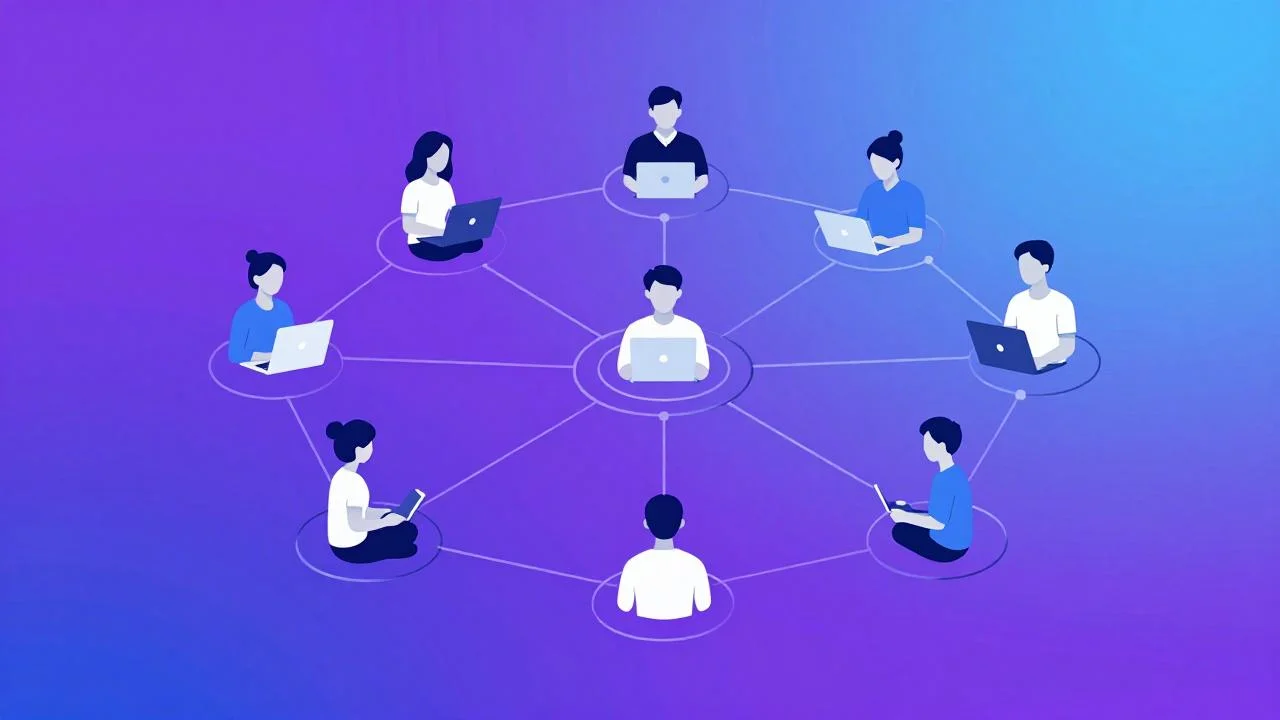
Open source means public code. Anyone can read it, modify it, improve it, and redistribute changes back to everyone.
Four Freedoms of Open Source
True open source software grants four essential freedoms:
- Run the program for any purpose
- Study how it works (access to source code is required)
- Modify it to fix bugs or add features
- Share copies with others, unchanged or improved
If a project restricts any of these, it's not truly open source.
Why Open Source Matters
Better security: Thousands of developers review code instead of one closed team. Vulnerabilities get spotted faster.
No vendor lock-in: Companies don't hold your data hostage. If their service dies, you can fork the project yourself.
Community-driven innovation: Progress accelerates when improvements benefit everyone, not just shareholders.
Learning opportunity: Want to understand how real software works? Study open source code. It's like free masterclasses in engineering.
Where You've Already Used Open Source
You've probably touched open source without realizing:
| Software | Open Source? | Use Case |
|---|---|---|
| Firefox | ✅ Yes | Web browser |
| VLC Media Player | ✅ Yes | Video playback |
| Linux | ✅ Yes | Operating systems |
| ❌ No | Messaging | |
| Photoshop | ❌ No | Photo editing |
| Python | ✅ Yes | Programming language |
Even your phone? Android is largely open source (though Google adds proprietary components).
How Open Source Projects Work
Most operate on platforms like GitHub, GitLab, or Codeberg:
- Developers push code changes publicly
- Others review and suggest improvements
- Maintainers accept or reject contributions
- New versions release regularly
Anyone can contribute—even beginners fixing typos in documentation count as valuable help.
Licensing: Not All "Free" Means Open Source
Important distinction:
Free software (libre): Freedom-focused. You can do whatever you want with the code. (MIT, Apache, GPL licenses)
Freeware: Free price, but closed code. No modification rights. Still proprietary.
Open core: Some features open, others paid. Hybrid business model.
Check the license before using code commercially. Some require attribution; some forbid proprietary derivatives.
Common Open Source Licenses
| License | Requirements | Commercial Use Allowed? |
|---|---|---|
| MIT | Credit authors | Yes |
| Apache 2.0 | Credit + patent rights | Yes |
| GPL | Share derivatives openly | Yes (must stay open) |
| BSD | Credit authors | Yes |
Different rules, same goal: sharing code responsibly.
Should You Contribute?
Not mandatory. Using open source without contributing is totally fine. But contributing helps everyone:
Beginner options: Fix typos, improve documentation, report bugs Intermediate: Add small features, fix minor bugs Advanced: Architect major improvements, maintain subprojects
Pick issues marked "good first issue"—they're designed for newcomers.
The Bottom Line
Open source shifts software from "rented tools owned by corporations" to "shared infrastructure built by communities."
It's not perfect (abandoned projects, unclear maintainers, funding gaps exist). But it's closer to what the internet promised originally: openness, collaboration, and collective progress.
Using open source doesn't require technical skills. Just understanding that better code means better software for everyone—including you.
Stay curious, explore repositories, and remember: great software exists because people chose to share it.