
What Are Webhooks? How Event-Driven Apps Talk in Real Time
Stop polling servers every few seconds! Discover webhooks—how event-driven applications send real-time notifications the moment something happens.
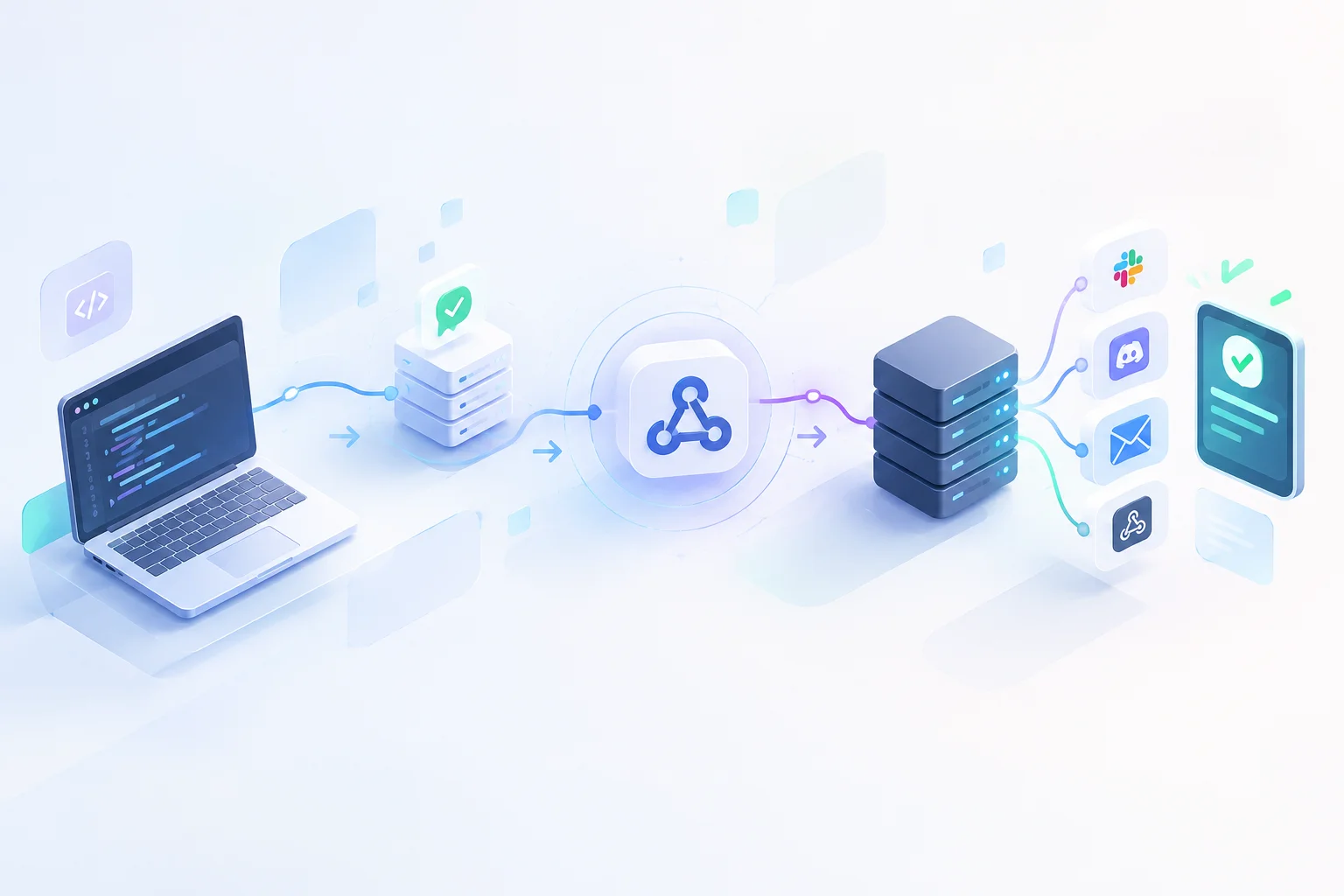
Imagine ordering a pizza online.
You have two ways to check if it's ready:
- Option A: You call the pizzeria every 30 seconds asking, "Is my pizza ready yet?"
- Option B: You give the pizzeria your phone number, and they text you the exact second your pizza leaves the oven.
Option A is how traditional web polling works—and it wastes massive amounts of time and energy.
Option B is a Webhook — the foundation of modern, real-time web applications.
The Difference: Polling vs. Webhooks
In traditional web development, if Application A needs to know when something changes in Application B, it sends repeated HTTP requests on a schedule. This is called polling.
Polling creates heavy, unnecessary server load because 99% of those requests return the exact same answer: "Nothing has changed yet."
Webhooks reverse this relationship using an event-driven principle: "Don't call us, we'll call you."
POLLING (Inefficient)
Client  ---- "Is there new data?" ----> Server
Client  <--- "No." --------------------- Server
Client  ---- "Is there new data?" ----> Server
Client  <--- "No." --------------------- Server
Client  ---- "Is there new data?" ----> Server
Client  <--- "Yes! Here it is." ------- Server

WEBHOOK (Event-Driven)
Client  ------------------------------- Server
        (Client waits silently...)
Client  <--- "Event happened! Here." -- Server  (Instant HTTP POST)
How Webhooks Work in 3 Simple Steps
A webhook is simply an automated HTTP POST request triggered by a specific event. Here is how software engineers set them up:
1. The Receiver Creates an Endpoint
Your application sets up a public URL (an HTTP endpoint) on its server, specifically designed to accept incoming data: https://myapp.com/api/payment-webhook
2. The Receiver Registers the URL
You register that URL inside the dashboard of a third-party service (like Stripe, GitHub, or Telegram) and select which events you want to listen for (e.g., "payment.succeeded" or "code.pushed").
3. The Sender Fires the Payload
The moment that event occurs on the third-party service, its server packages the details into a JSON payload and sends an instant HTTP POST request directly to your URL:
{
  "event": "payment.succeeded",
  "amount": 4900,
  "currency": "usd",
  "customer_email": "alex@example.com",
  "timestamp": 1785016732
}
Your server receives the payload, executes its business logic (like activating a user's subscription or sending an email receipt), and responds with a 200 OK status code.
Real-World Examples You Use Every Day
Webhooks silently power almost every real-time feature on the modern web:
- E-Commerce & Payments: When a customer buys something via Stripe or PayPal, a webhook alerts the online store to mark the order as paid immediately.
- Developer Workflows: When a developer pushes new code to GitHub, a webhook tells the CI/CD pipeline to start building and testing the app.
- Chatbots: When a user sends a message to a Telegram or Discord bot, a webhook delivers the message instantly to the bot's backend code.
Two Golden Rules for Webhook Security
Because webhook endpoints are public URLs accessible on the internet, developers follow two essential security practices:
- Verify Signatures: Always verify the cryptographic signature (usually sent in the HTTP headers) to confirm the request actually came from a trusted provider like Stripe, not an attacker.
- Handle Idempotency: Sometimes network glitches cause a provider to send the same webhook twice. Your code should check if an event ID was already processed so you don't charge a customer twice.
The Engine of Real-Time Software
Webhooks turn static web servers into dynamic, event-driven networks. By replacing endless background polling with instant, event-triggered notifications, webhooks save server bandwidth, reduce latency, and make software feel fast and responsive.